
1- wordpress.org,
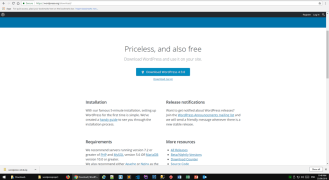
Start with google search and type WordPress.org. and search download WordPress.
Then click on download WordPress version
2- Download WordPress file.
We click on download button, once we finish, extract the file. Then we move the file to the right environment to WAMP 64 which stand for;
W: Mac or windows
A: apache
M: MySQL or Maria
P: PHP
Move to www folder, Then rename the file
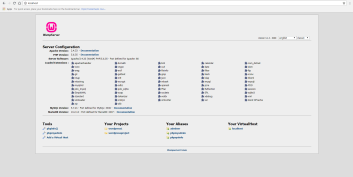
3- Go to localhost and choose your WordPress downloaded file
Look for our file name in the localhost
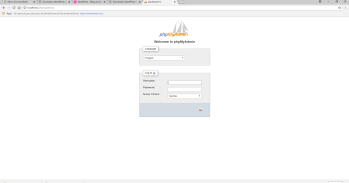
4- go to PHP my admin and start to link to local server
5- create Database and user account
First we create our database, and give it a name
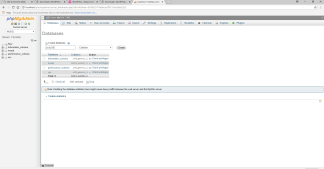
We create a user account and password
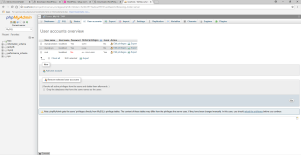
Let us start the journey, after creating database, user account and password.
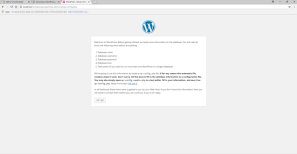
6- linking to my account using username and password
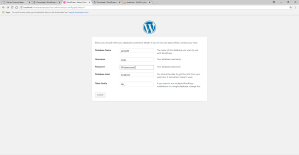
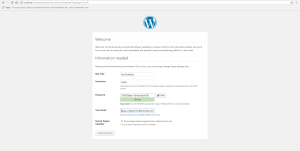
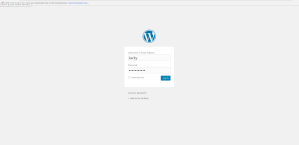
7- WordPress Interference
This is how it looks when we finish setting up on our local host WordPress.org and its interfere
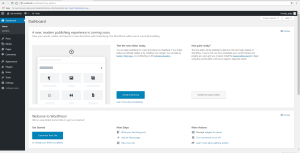
8- Welcome to WordPress.org
This is my portfolio interference successfully has been downloaded.

 Jakleen Web Designer